 Chart Scanner Ai
01
Daily Market News
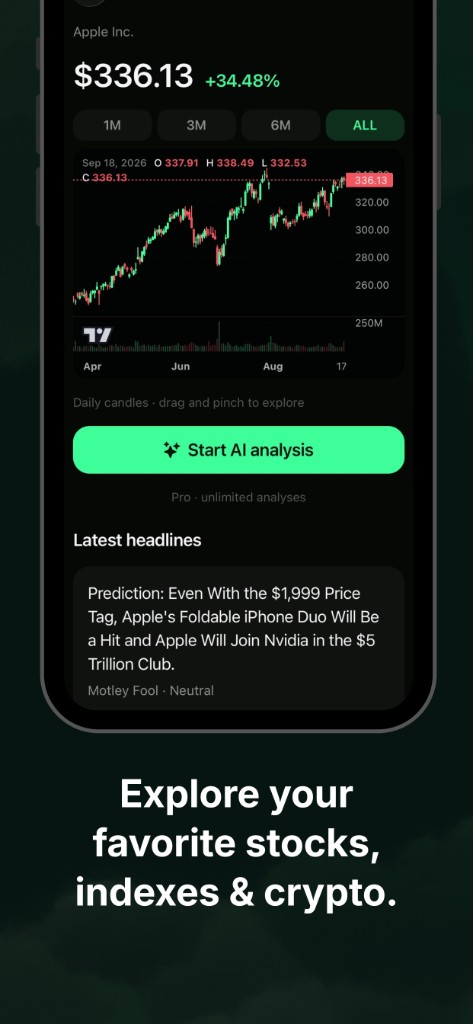
The most important financial market news at a glance. Headlines sit next to the chart. Sentiment is context — not a reason to buy or sell.
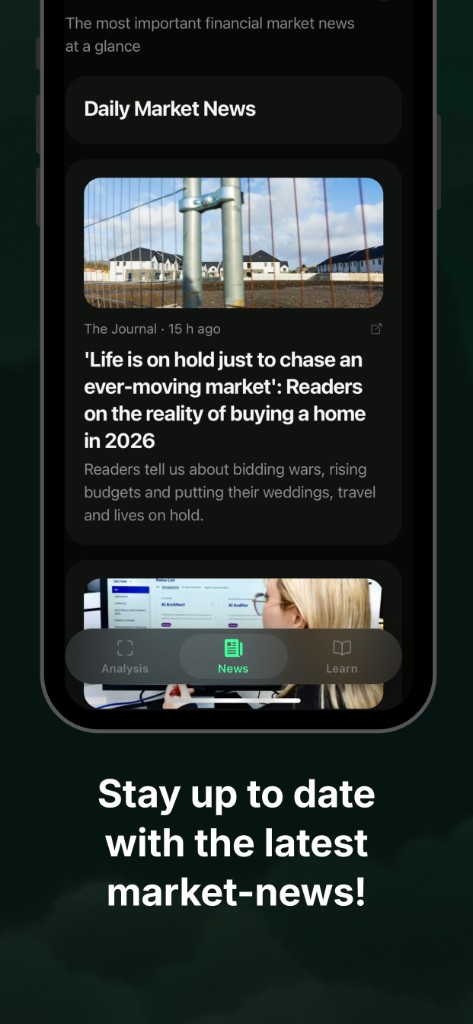
Chart Scanner Ai
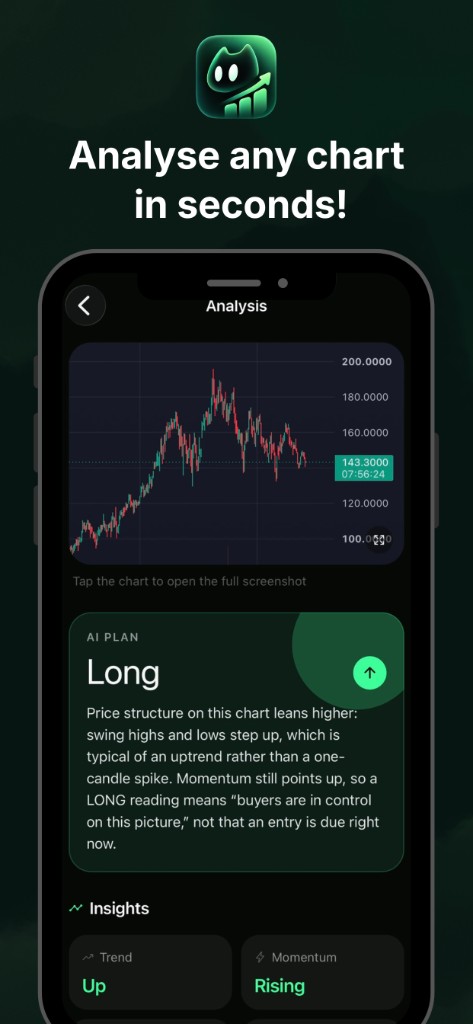
Scan a screenshot or search a symbol. The AI returns Long, Hold, or Short — a technical reading you can act on as a setup, not as a broker order.
How it works
01
Take a photo or pick a screenshot from your library.
02
The model looks at price structure — not a broker ticket.
03
A Long, Hold, or Short call, with the why behind it.
In the app
01
The most important financial market news at a glance. Headlines sit next to the chart. Sentiment is context — not a reason to buy or sell.
02
Search a name like AAPL, BTC-USD, or EURUSD. Same AI reading, with news when you pick a symbol.
03
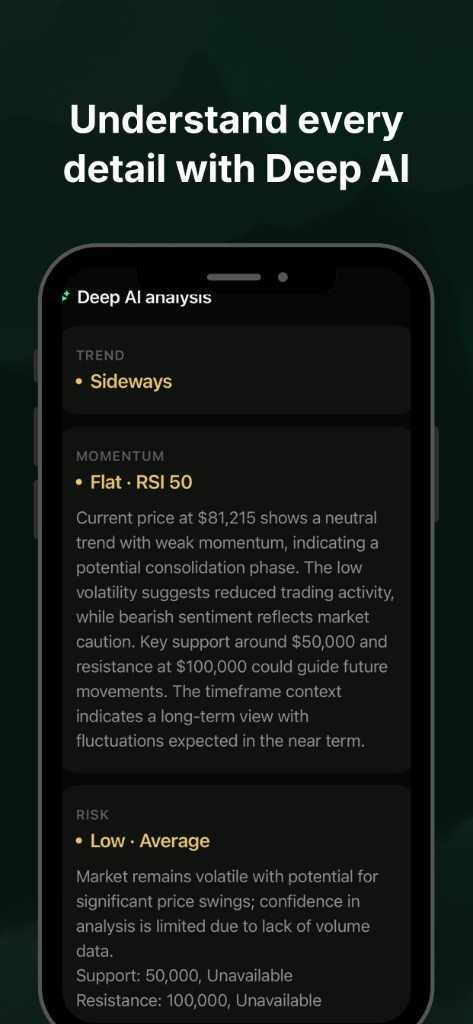
Understand every detail: trend, momentum, risk, and technical signals — the full reading behind the call.
04
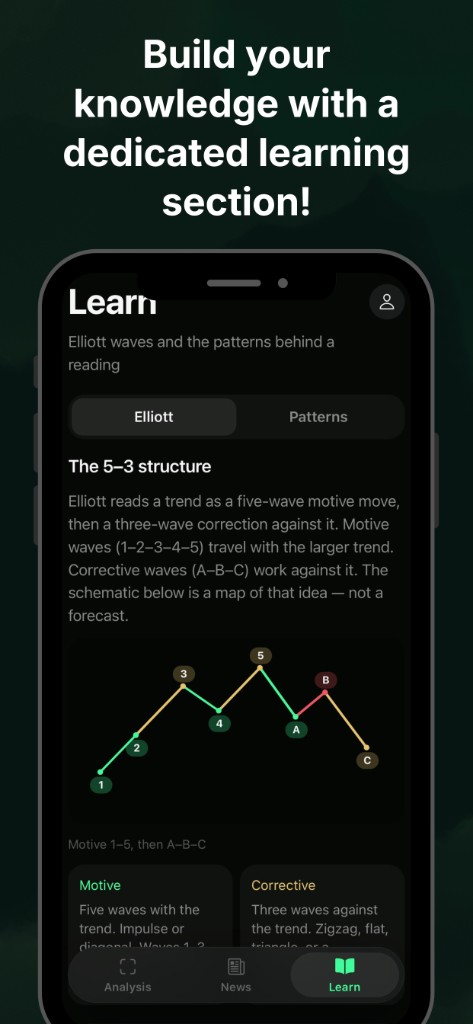
Short lessons on Elliott waves and patterns — the same structures the analysis talks about.
Important
Chart Scanner Ai is not investment advice and offers no guarantee. Analyses, news sentiment, and lessons are for information only. You decide. Investing involves risk of loss.
Support
Send a message from the support page. It goes to the Chart Scanner Ai inbox.
Open support